AI face shape detection
Oval, Round, Square, Heart, Diamond, Oblong, or Triangle-with confidence and proportion breakdowns.
AI face shape detector · iOS & Android
MyFaceShape is a face shape detector app: scan a selfie, get your shape and feature scores, then follow hairstyle, glasses, and glow-up guides matched to you.


iPhone, iPad & Android · Privacy-first photo handling
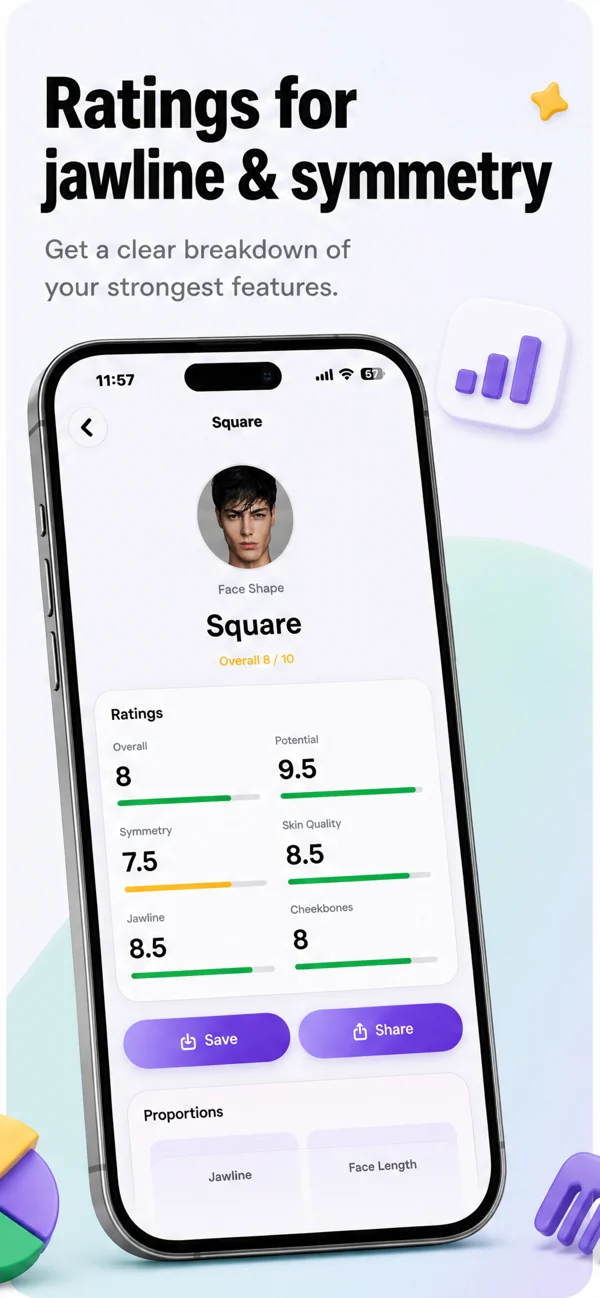
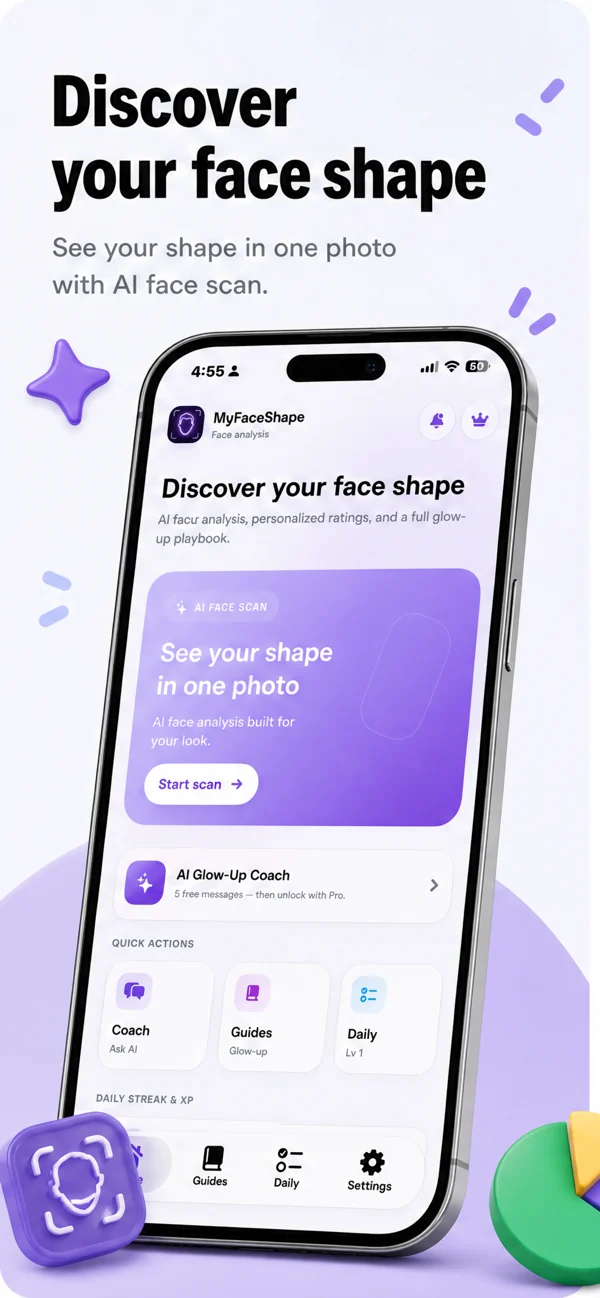
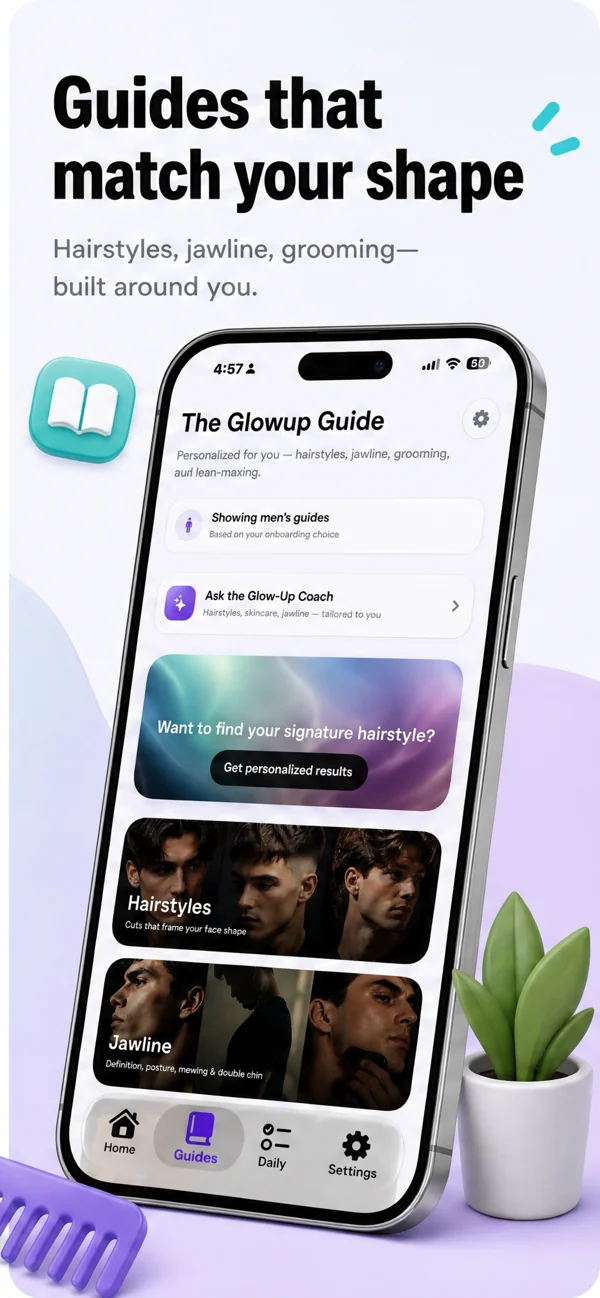
From AI face shape detection to daily habits, MyFaceShape turns a selfie into guidance you can follow.
Oval, Round, Square, Heart, Diamond, Oblong, or Triangle-with confidence and proportion breakdowns.
Overall, Potential, Symmetry, Skin, Jawline, and Cheekbones rated after each scan.
Hairstyles, glasses, and grooming tips matched to your face shape-not generic lists.
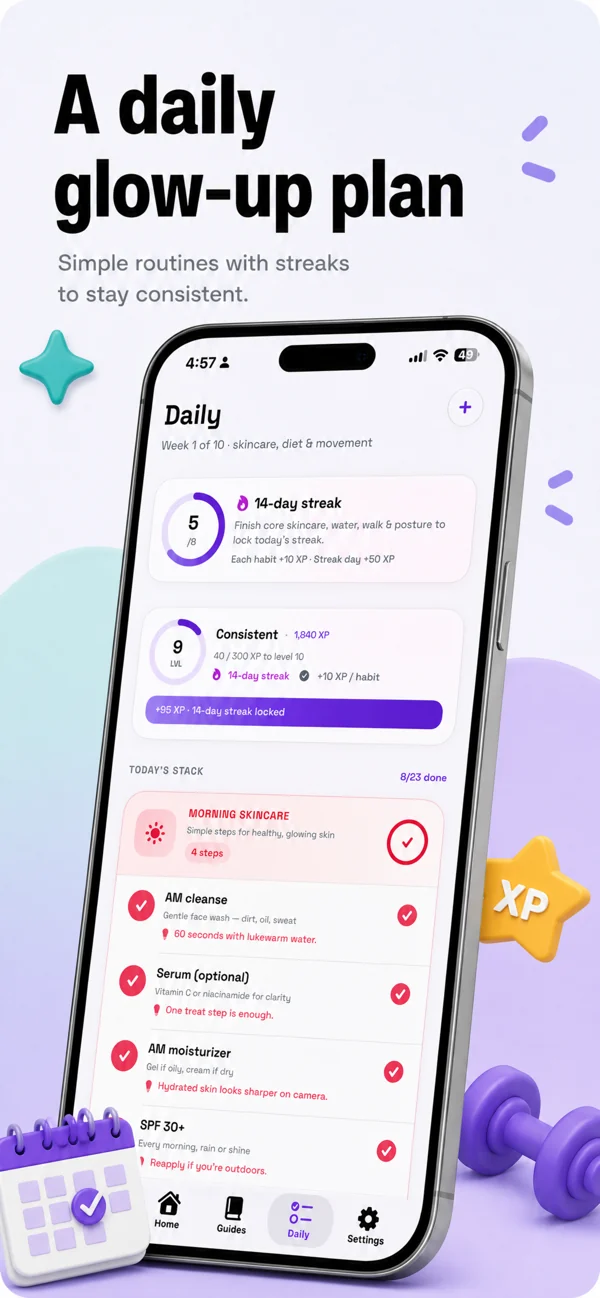
Build habits, keep streaks, and track progress on your glow-up over time.
Ask about hair, skin, jawline, and priorities based on your scan results.
Save results on your device and compare how your scores change over time.
Four steps from photo to a personalized plan-in the app.
Use the camera or photo library. Crop so your face fills the frame.
MyFaceShape estimates shape, measurements, and feature scores.
See your shape label, ratings, and explanations. Save or share your card.
Open guides, start daily habits, and chat with the coach.
Real App Store screenshots-light mode on iPhone.
Know your face shape so you and your stylist pick cuts that frame your features.
Balance wide or narrow forehead and jaw with frames that complement your shape.
Explore symmetry, jawline, and cheekbone scores-not medical advice, but useful context.
Build routines with streaks and coaching aligned to your scan.
Practical answers to common face shape searches. See all guides by Manikant Kumar.
Mirror, photo, or app-step by step.
Read guide
Lighting, angle, and cropping tips.
Read guide
Oval, round, square, heart, and more.
Read guide
Frames that complement your proportions.
Read guide
Cuts and styles that frame your face.
Read guide
What to look for before you download.
Read guide
How AI estimates work and what happens to photos.
Read guide
Focused detector or full makeup suite-when to use which.
Read guideReady to scan your face shape?
Open MyFaceShape, take or upload a front-facing selfie, crop your face, and review the shape label with measurements and confidence.
Learn how to find your face shapeUse even lighting, face the camera directly, and keep hair off your forehead. The app returns your shape and scores in seconds after you crop.
Selfie analysis guideMyFaceShape is a face shape detector app for iPhone, iPad, and Android with seven shapes and feature scoring after each scan.
About face shape detector appsYes-MyFaceShape includes one full face scan for free. MyFaceShape Pro unlocks unlimited scans and full Pro features. There is no free trial listed on the App Store.
Both. In the app you can take a new selfie with the camera or choose an existing photo from your library, then crop to your face.
Photo and camera tipsYes. After your shape is detected, MyFaceShape shows styling guides-including glasses and hairstyle ideas matched to your result.
Glasses for your face shapeA compressed photo is sent over HTTPS for AI analysis. Photos are not kept as a long-term server archive after analysis completes. Scan history stays on your device.
Privacy and accuracy guideResults are AI estimates based on facial proportions in one photo. They are useful for styling-not medical or identity verification. Good lighting and a straight-on crop improve consistency.
How accuracy worksOval, Round, Square, Heart, Diamond, Oblong, and Triangle-each with distinct forehead, cheek, and jaw width patterns.
Seven shapes explainedNo. MyFaceShape estimates proportions from your cropped selfie. Manual mirror tracing is optional if you want a second check.
Manual vs app methodsNot always. Full beauty apps often bundle makeup AR and editing. A focused face shape app centers on classification and styling guidance.
Compare app typesYes. Face shape categories apply to any gender. Optional gender preference in onboarding can tailor styling recommendations.
Hairstyles by face shape
Download MyFaceShape and get your shape, scores, and styling guidance from one selfie.