Selfie Tips & Better Face Scanning
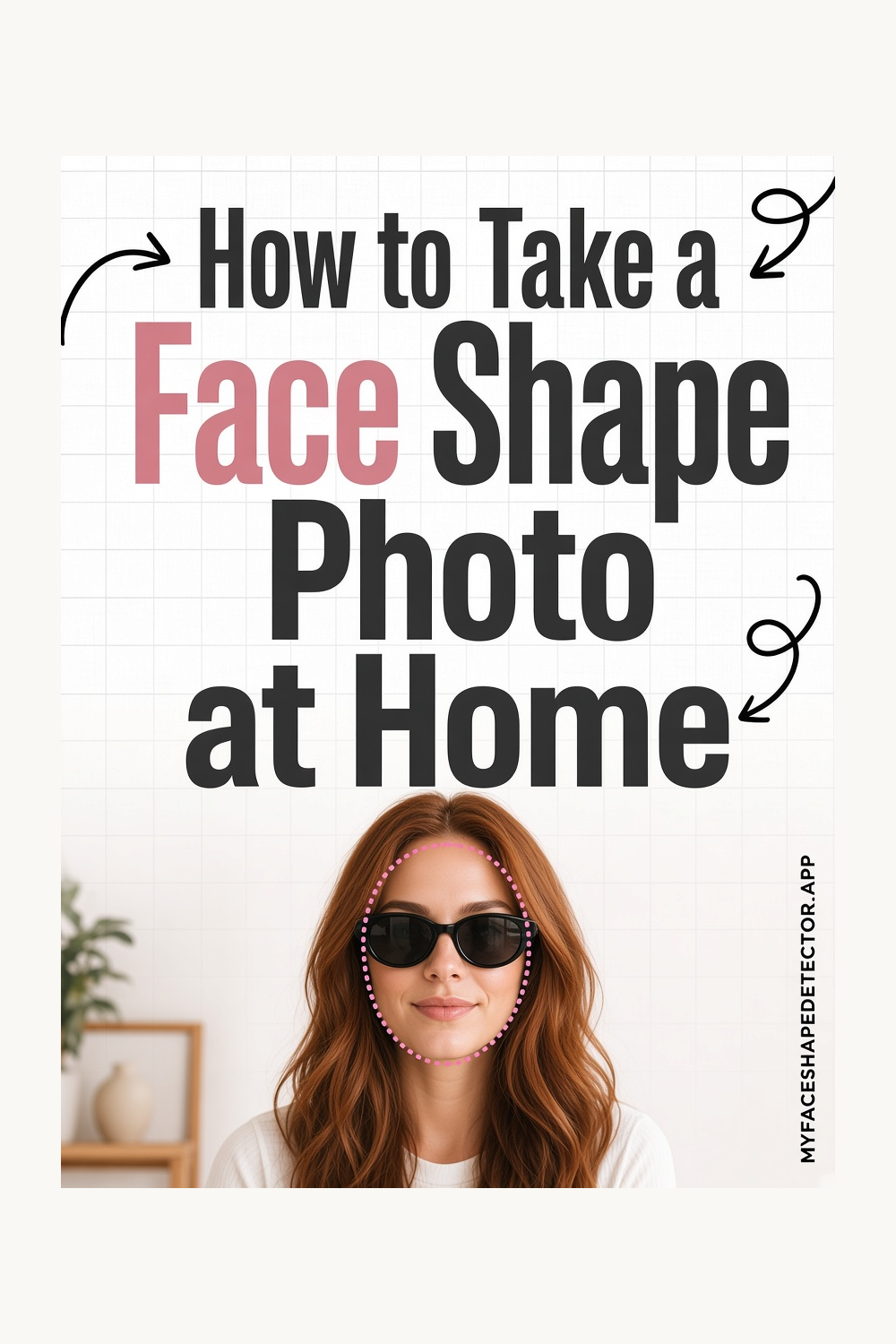
How to Take a Face Shape Photo at Home
How to Take a Face Shape Photo at Home starts with the outer line of the face, not with one feature in the middle of it. At home, face a window, hold the phone level, and keep hair off the jaw.
A usable selfie is straight, evenly lit, and uncropped at the forehead and chin. The picture above is the pin for this guide. The same page is the link on the pins that belong with it.
Find Your Face Shape in Seconds
Not sure if your face is oval, round, square, heart, diamond, oblong, or triangle? Upload or take a clear front-facing selfie and MyFaceShape will analyze your facial proportions to help identify your face shape in seconds.
Simple face-shape analysis — not a beauty score or attractiveness rating.
Try MyFaceShape on iPhone or Android


How to read the outline
If you searched for “face shape photo at home”, stay with the contour. Name the shape only after you can see where the face is long and where it is wide.
You do not need a studio. Tips: eye-level, not too close, even light, face centered, jaw included.
Those make the four measurements possible. Centering keeps both sides in the picture so the widths are not cut off on one edge.
Equal space on the left and right is the check. A tilt makes one side higher and changes how long and how wide the face appears.
When two names both seem possible
The proportions in the photo stop matching the mirror. Choose the photo that is front-facing, sharp, evenly lit, and shows the whole jaw.
Reject the closer, higher, or shadowed one even if you like it more. Either camera can work if the photo is level and not too close.
Rear cameras often distort less, but a careful front photo is fine. Avoid it by stepping the phone back until the face no longer fills the entire frame.
Wide-angle stretch is mostly a distance problem. Landmarks are how the scan finds the widths.
If the jaw corner is blurry, the line moves. Clear edges make the shape estimate steadier.
Prepare by facing the camera, using even light, and keeping a neutral expression with the jaw visible. That is the whole prep.
The checklist is even light, straight angle, full face in frame, and a neutral expression. Tick those before you trust the outline.
A shadow on one cheek moves where the width appears to sit. Even light keeps the outline honest. If two outlines both seem close, look again at the chin and the jaw corners. That is usually where they split.
Take the photo straight
Use one photo, taken straight on, with the camera at eye level. Hair only needs to be clear of the hairline and the jaw. A tilt, a shadow on one cheek, or a chin that is lifted will change the outline before you have even started.
Look at the forehead, the cheeks, and the jaw as three widths. Then compare the length of the face with the width. That is the whole reading.
Common questions
How do I use “How to Take a Face Shape Photo at Home”?
At home, face a window, hold the phone level, and keep hair off the jaw. If two outlines both seem close, look again at the chin and the jaw corners. That is usually where they split.
How do I use “How to Choose a Photo for Face Shape Analysis”?
Choose the photo that is front-facing, sharp, evenly lit, and shows the whole jaw. Decide which area is widest before you say a shape name. The widest point is what starts the name.
How do I use “Your Face Shape Selfie Checklist”?
The checklist is even light, straight angle, full face in frame, and a neutral expression. Clear the hairline only enough to see where the forehead ends. You are tracing a contour.
Find Your Face Shape
Take one clear, front-facing selfie and MyFaceShape helps identify whether your face is oval, round, square, heart, diamond, oblong, or triangle. Quick, simple, and focused on face shape — not beauty scores.
Try MyFaceShape on iPhone or Android